


godaddy
New Member
ICANN Accredited Registrar
Domain Marketplace
Domain Broker
Hosting Provider
ICA Member
ISO 27001
- Joined
- Jan 26, 2009
- Messages
- 138
- Reaction score
- 12
Part of running a small business is watching every dollar flow in and out of your coffers. And monthly software subscriptions can quickly eat into your budget. That’s why free POS (point-of-sale) software has become increasingly popular among entrepreneurs and small business owners.
It doesn’t matter if you’re launching a new venture or operating an established small business; eliminating monthly software fees means more available resources for other operations. With options from free tap-to-pay on your smartphone to professional Smart Terminals, GoDaddy provides flexible solutions that scale with your business needs.
Traditional POS systems can cost $50 to $300+ per month in software fees — costs that keep coming up whether you’re making sales or not. But GoDaddy’s POS system for small business eliminates these monthly charges entirely.
Core features with no monthly fees include transaction processing, basic inventory management, sales tracking and reporting, offline payment processing, fast payout with rate saver option, returns management, and integration with your GoDaddy online store. Understanding how to use a POS system helps you maximize these features from day one.
Prices are subject to change and are correct at the time of writing.
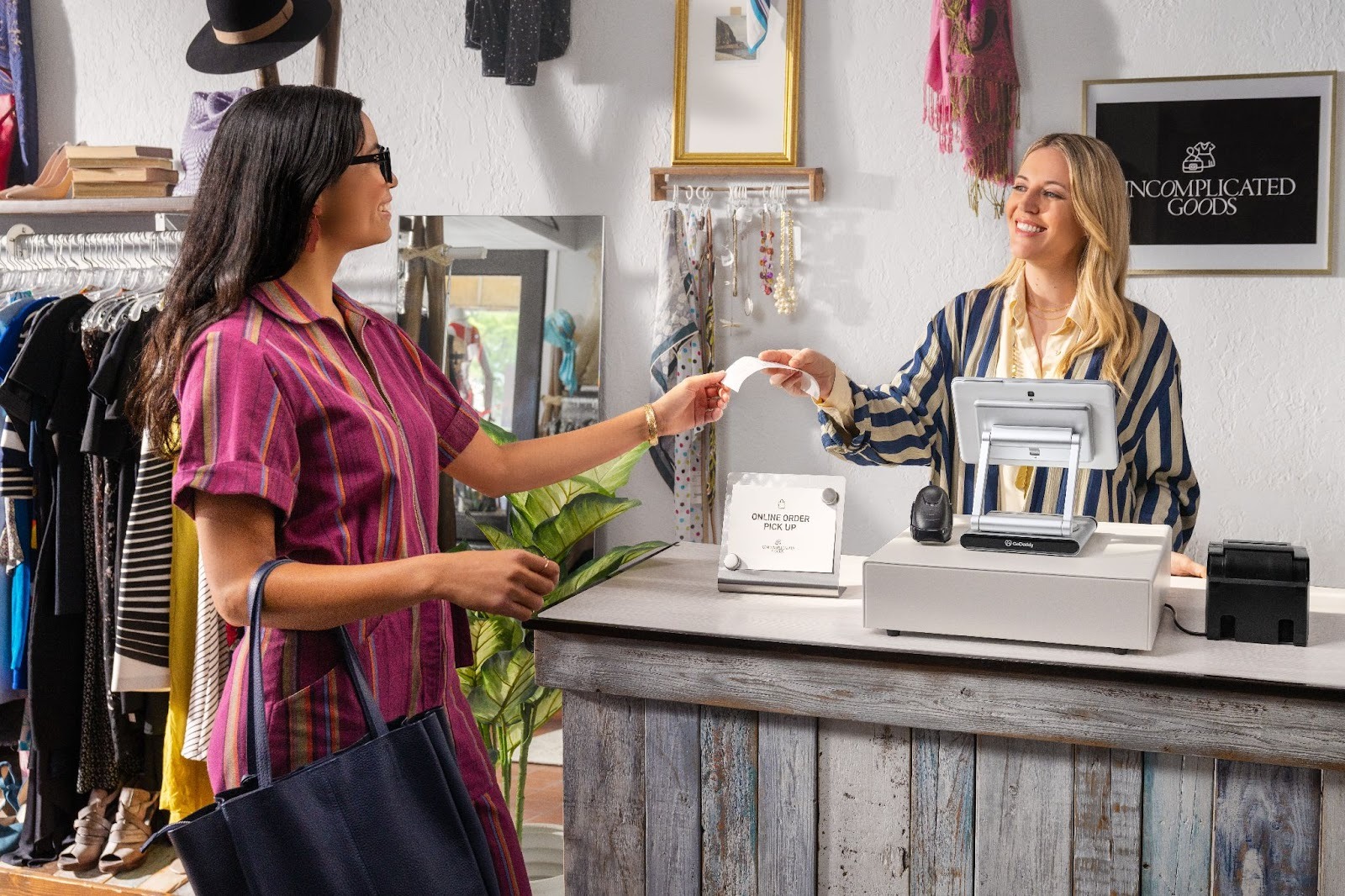
Before diving into specific features, it’s important to understand what “free” actually means in the POS world and whether this pricing model lines up with your business needs.
Free POS software doesn’t mean zero costs. It means zero monthly subscription fees. Every POS system involves two cost types:
Free POS systems eliminate the first cost while maintaining the second.
GoDaddy’s transparent pricing charges $0 monthly fees on the Standard plan, with 2.5% + $0 per transaction. The $0 per-transaction fees help merchants with small ticket sizes save costs. This pay-as-you-go approach means you only pay when you make sales. If you have a slow month, you’re not locked into paying for unused software.
The only additional consideration is hardware — while you can start with free tap-to-pay on your phone, investing in a Smart Terminal unlocks full POS functionality.
The Standard free plan works well for many small businesses, but certain growth indicators suggest upgrading to GoDaddy’s Plus plan: your product catalog is large, you’re adding employees needing individual logins, or you require advanced analytics. You can start free and upgrade — at $28.99 — only when your business is ready for more enhanced features:
GoDaddy POS software includes professional-grade features even in the no-monthly-fee Standard plan.
Fast payment processing impacts customer satisfaction and sales volume. GoDaddy POS processes transactions in seconds—scan items, accept payment, print or email receipt. The system accepts chip cards, contactless payments, and manual entry.
Organize inventory with custom categories, product names, prices, and SKUs. Add product images for visual identification. The Standard plan supports up to 10 products on your smart terminal and unlimited products in their catalog, while upgrading unlocks unlimited catalog management.
Track stock levels in real-time as sales occur. The system automatically adjusts inventory counts with each transaction, eliminating manual spreadsheet updates.
GoDaddy POS accepts different payment methods such as credit cards, debit cards, contactless payments (Apple Pay, Google Pay, Samsung Pay), chip cards, invoices, pay links, and swipe cards. Additionally, having options such as PayLinks and Invoicing ensures you never lose a sale due to limited payment options.
The dashboard provides real-time business performance — total sales, transaction volume, top-selling products, and trends. AI-assisted insights help quickly get answers on sales and payout data through voice or chat.
GoDaddy POS continues processing payments even when offline, storing transaction data locally and syncing automatically when the connection returns. This ensures you never miss a sale due to connectivity issues.
Your POS integrates seamlessly with your GoDaddy online store. Inventory automatically syncs between channels — when you sell in-store, your online stock updates instantly. Learning how to start a website for your small business complements your POS by creating additional revenue streams.
GoDaddy’s AI-assisted feature generates professional product descriptions based on basic product information, saving hours of work and ensuring consistent, engaging copy across your catalog.
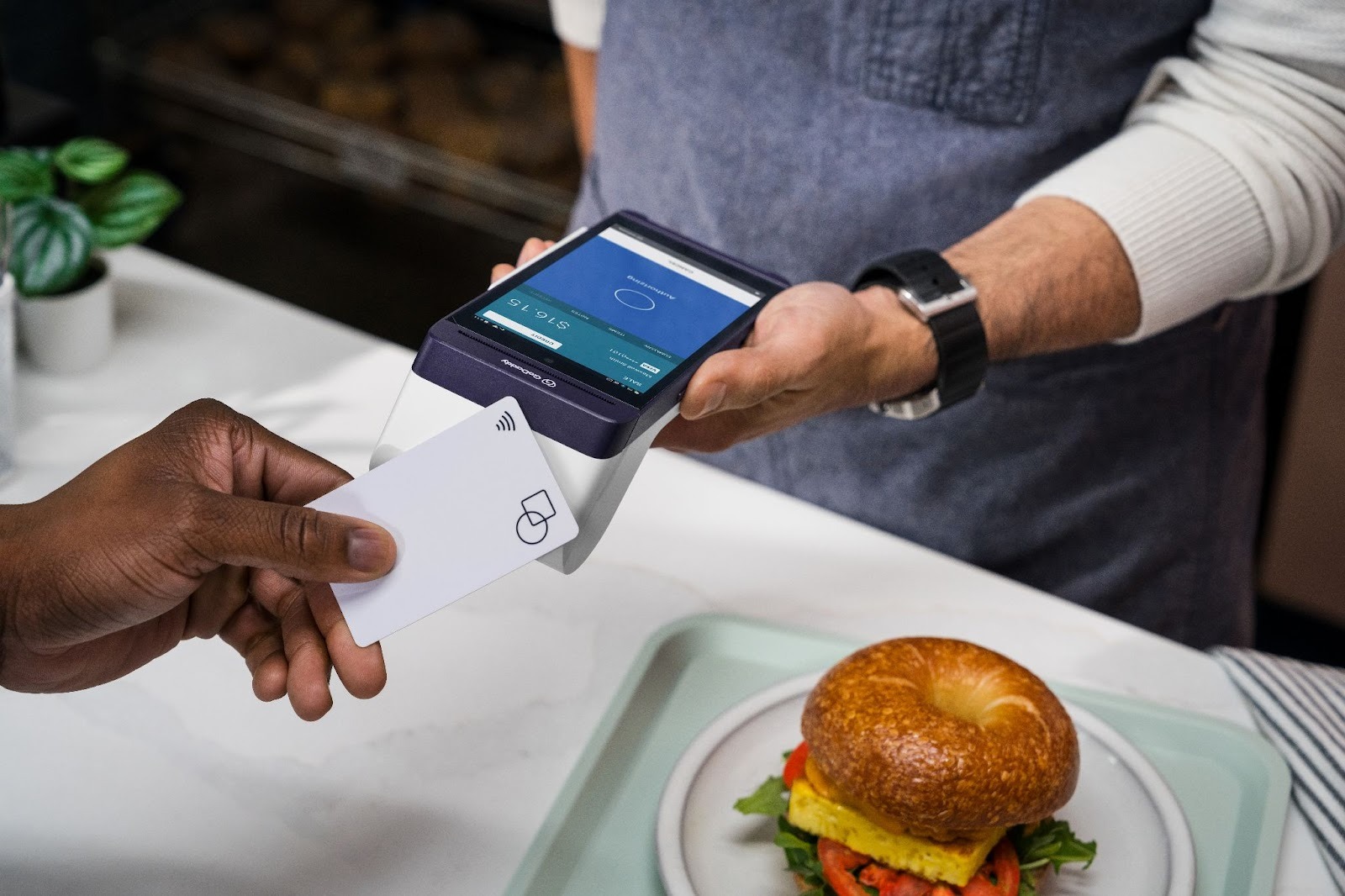
GoDaddy offers flexible entry points, allowing you to start with minimal investment and scale as your business grows.
Download the free GoDaddy mobile app and use Tap to Pay on your iPhone or Android device. This solution requires zero upfront costs — no hardware purchase, no monthly fees.
Customers tap their contactless card or phone against your device to complete payment. It’s best for consultants, contractors, personal trainers, mobile businesses, and anyone needing simple payment acceptance.
When your business needs dedicated POS hardware solutions, GoDaddy offers three Smart Terminal options with POS software at no monthly cost:
All three terminals include the same core POS software with the Standard plan at no monthly cost. Understanding the full guide to POS system costs helps you budget appropriately.
Prices are subject to change and are correct at the time of writing.
Free POS software from GoDaddy eliminates ongoing monthly fees — one of the biggest barriers to accepting payments. Whether you start with tap-to-pay on your smartphone or invest in a Smart Terminal, you’re paying only transaction fees, and no monthly fees, preserving resources for growth.
As your business grows, you can upgrade to unlock advanced features. For small businesses, startups, and service providers, this pay-as-you-go approach removes financial risk while delivering professional capabilities.
GoDaddy’s decades of experience serving small businesses translates into POS solutions designed for entrepreneurs who need enterprise-level features without enterprise-level costs.
Questions? We’re here to help: Contact GoDaddy support for personalized assistance choosing the right POS solution for your business.
Yes. GoDaddy POS meets rigorous PCI-DSS compliance requirements, ensuring all payment data is encrypted and securely processed. The system includes building secure networks, encrypting data, restricting access, managing vulnerabilities, and maintaining security policies.
Yes, GoDaddy POS software includes no monthly subscription fees on the Standard plan. You pay only a % per transaction (2.5% + $0) when you process payments in-person. Hardware purchases are separate one-time costs, but the software remains free with no recurring charges. For omnichannel capabilities, you will need an online store plan.
No. You can start immediately with GoDaddy Tap to Pay on your existing smartphone at zero hardware cost. However, if you want receipt printing, good customer experience, or a more professional appearance, investing in a Smart Terminal ($275-$499) significantly enhances functionality while maintaining zero monthly software fees.
Learn more about POS system prices for small businesses.
Nearly any business accepting in-person payments can benefit. The free plan’s product limit makes it suitable for businesses with focused product lines or those that don’t need a catalog on their terminal, while the ability to upgrade means it grows with expanding businesses.
The post Free POS software for small business: GoDaddy’s no monthly fee solution appeared first on GoDaddy Blog.
Continue reading...
GoDaddy offers truly free POS software with no monthly charges — you only pay a % of your transaction and 0c ‘per transaction’ costs when you make a sale in-person.
It doesn’t matter if you’re launching a new venture or operating an established small business; eliminating monthly software fees means more available resources for other operations. With options from free tap-to-pay on your smartphone to professional Smart Terminals, GoDaddy provides flexible solutions that scale with your business needs.
Free POS system software: save on monthly fees
Traditional POS systems can cost $50 to $300+ per month in software fees — costs that keep coming up whether you’re making sales or not. But GoDaddy’s POS system for small business eliminates these monthly charges entirely.
- Start with GoDaddy Tap to Pay: Download the free mobile app and begin accepting contactless payments on your smartphone with zero upfront costs. Perfect for service-based businesses, market vendors, and mobile sellers.
- Upgrade to Smart Terminals with the free plan: GoDaddy’s Smart Terminals ($275-$499 one-time purchase) come with comprehensive POS software at no monthly cost. The free plan includes catalog management, checkout features for smooth selling, multiple payment options including invoicing and paylinks, access to GoDaddy Capital, and multichannel selling capabilities when integrated with the online store, all without POS subscription fees.
Core features with no monthly fees include transaction processing, basic inventory management, sales tracking and reporting, offline payment processing, fast payout with rate saver option, returns management, and integration with your GoDaddy online store. Understanding how to use a POS system helps you maximize these features from day one.
Prices are subject to change and are correct at the time of writing.
Understanding free point-of-sale (POS) software
Before diving into specific features, it’s important to understand what “free” actually means in the POS world and whether this pricing model lines up with your business needs.
The free POS pricing model explained
Free POS software doesn’t mean zero costs. It means zero monthly subscription fees. Every POS system involves two cost types:
- Software fees (monthly subscriptions)
- Transaction fees (a percentage per payment).
Free POS systems eliminate the first cost while maintaining the second.
GoDaddy’s transparent pricing charges $0 monthly fees on the Standard plan, with 2.5% + $0 per transaction. The $0 per-transaction fees help merchants with small ticket sizes save costs. This pay-as-you-go approach means you only pay when you make sales. If you have a slow month, you’re not locked into paying for unused software.
The only additional consideration is hardware — while you can start with free tap-to-pay on your phone, investing in a Smart Terminal unlocks full POS functionality.
Who should use free GoDaddy POS software?
- Startups and new businesses: When launching, reducing costs is critical.
- Seasonal and pop-up businesses: If you only operate during certain months, monthly fees during off-seasons drain resources.
- Service-based businesses: Landscapers, contractors, and consultants who accept occasional payments don’t need expensive subscriptions. If you’re starting a lawn care business, free tap-to-pay keeps overhead minimal.
- Quick service restaurants, cafes, and food trucks: GoDaddy’s Food and Beverage POS helps manage orders without monthly costs. The solution works perfectly for POS software for Quick Service Restaurants (QSRs).
- Retail shops with limited products: The free plan is ideal for specialized POS for retail shops with curated inventories or one-off items.
- Event-based sellers: Farmers market vendors and craft fair exhibitors who operate sporadically benefit from paying only transaction fees when making sales.
When to consider upgrading to Point of Sale Plus plan
The Standard free plan works well for many small businesses, but certain growth indicators suggest upgrading to GoDaddy’s Plus plan: your product catalog is large, you’re adding employees needing individual logins, or you require advanced analytics. You can start free and upgrade — at $28.99 — only when your business is ready for more enhanced features:
- Lower fees to 2.3% + 0¢ per transaction
- Cut card processing costs with Rate Saver
- Sell unlimited products on your POS device
- Get inventory stock alerts on your POS device
- Set up online ordering for in-store pickup
- Remove generic branding from digital receipts
- Manage employee roles and permissions
Advanced features included in GoDaddy’s free POS software
GoDaddy POS software includes professional-grade features even in the no-monthly-fee Standard plan.
Simplified payment processing that keeps lines moving
Fast payment processing impacts customer satisfaction and sales volume. GoDaddy POS processes transactions in seconds—scan items, accept payment, print or email receipt. The system accepts chip cards, contactless payments, and manual entry.
Custom product catalog built for your business
Organize inventory with custom categories, product names, prices, and SKUs. Add product images for visual identification. The Standard plan supports up to 10 products on your smart terminal and unlimited products in their catalog, while upgrading unlocks unlimited catalog management.
Easy inventory management
Track stock levels in real-time as sales occur. The system automatically adjusts inventory counts with each transaction, eliminating manual spreadsheet updates.
Accept every payment type
GoDaddy POS accepts different payment methods such as credit cards, debit cards, contactless payments (Apple Pay, Google Pay, Samsung Pay), chip cards, invoices, pay links, and swipe cards. Additionally, having options such as PayLinks and Invoicing ensures you never lose a sale due to limited payment options.
Performance dashboard with AI-assisted insights
The dashboard provides real-time business performance — total sales, transaction volume, top-selling products, and trends. AI-assisted insights help quickly get answers on sales and payout data through voice or chat.
Offline payments
GoDaddy POS continues processing payments even when offline, storing transaction data locally and syncing automatically when the connection returns. This ensures you never miss a sale due to connectivity issues.
Omni-channel selling
Your POS integrates seamlessly with your GoDaddy online store. Inventory automatically syncs between channels — when you sell in-store, your online stock updates instantly. Learning how to start a website for your small business complements your POS by creating additional revenue streams.
GoDaddy’s AI-assisted feature generates professional product descriptions based on basic product information, saving hours of work and ensuring consistent, engaging copy across your catalog.
Free GoDaddy POS options: Start with tap-to-pay on mobile app and upgrade to Smart Terminals
GoDaddy offers flexible entry points, allowing you to start with minimal investment and scale as your business grows.
GoDaddy Tap to Pay
Download the free GoDaddy mobile app and use Tap to Pay on your iPhone or Android device. This solution requires zero upfront costs — no hardware purchase, no monthly fees.
Customers tap their contactless card or phone against your device to complete payment. It’s best for consultants, contractors, personal trainers, mobile businesses, and anyone needing simple payment acceptance.
Professional Smart Terminals when you’re ready to grow
When your business needs dedicated POS hardware solutions, GoDaddy offers three Smart Terminal options with POS software at no monthly cost:
- Smart Terminal Flex ($275): A portable, all-in-one terminal with touchscreen, card reader, and receipt printer. Battery-powered for tableside ordering or mobile checkout.
- Smart Terminal Duo ($399): Features dual screens — one for you and one facing customers for order confirmation and digital tipping. It has a built-in receipt printer. Best for coffee shops, bakeries, and retail stores.
- Smart Terminal Pro ($499): The most comprehensive solution with a 180-degree swivelling large touchscreen display. Ideal for businesses with larger volumes or complex orders that need accurate checkouts.
All three terminals include the same core POS software with the Standard plan at no monthly cost. Understanding the full guide to POS system costs helps you budget appropriately.
Prices are subject to change and are correct at the time of writing.
Ready to start with free POS software?
Free POS software from GoDaddy eliminates ongoing monthly fees — one of the biggest barriers to accepting payments. Whether you start with tap-to-pay on your smartphone or invest in a Smart Terminal, you’re paying only transaction fees, and no monthly fees, preserving resources for growth.
The transparency of GoDaddy’s model — 2.5% + $0 per transaction with $0 monthly fees — means predictable costs tied to your sales volume.
As your business grows, you can upgrade to unlock advanced features. For small businesses, startups, and service providers, this pay-as-you-go approach removes financial risk while delivering professional capabilities.
GoDaddy’s decades of experience serving small businesses translates into POS solutions designed for entrepreneurs who need enterprise-level features without enterprise-level costs.
Questions? We’re here to help: Contact GoDaddy support for personalized assistance choosing the right POS solution for your business.
Frequently asked questions
Is free POS software safe?
Yes. GoDaddy POS meets rigorous PCI-DSS compliance requirements, ensuring all payment data is encrypted and securely processed. The system includes building secure networks, encrypting data, restricting access, managing vulnerabilities, and maintaining security policies.
Is GoDaddy POS really free?
Yes, GoDaddy POS software includes no monthly subscription fees on the Standard plan. You pay only a % per transaction (2.5% + $0) when you process payments in-person. Hardware purchases are separate one-time costs, but the software remains free with no recurring charges. For omnichannel capabilities, you will need an online store plan.
Do I need to buy hardware to use GoDaddy POS?
No. You can start immediately with GoDaddy Tap to Pay on your existing smartphone at zero hardware cost. However, if you want receipt printing, good customer experience, or a more professional appearance, investing in a Smart Terminal ($275-$499) significantly enhances functionality while maintaining zero monthly software fees.
Learn more about POS system prices for small businesses.
What types of businesses can use free POS software?
Nearly any business accepting in-person payments can benefit. The free plan’s product limit makes it suitable for businesses with focused product lines or those that don’t need a catalog on their terminal, while the ability to upgrade means it grows with expanding businesses.
The post Free POS software for small business: GoDaddy’s no monthly fee solution appeared first on GoDaddy Blog.
Continue reading...


