


godaddy
New Member
ICANN Accredited Registrar
Domain Marketplace
Domain Broker
Hosting Provider
ICA Member
ISO 27001
- Joined
- Jan 26, 2009
- Messages
- 153
- Reaction score
- 12
Kansas has long been a place where self-starters build something of their own. From family-run farms in Salina to tech startups in Overland Park and small retail shops in Wichita, entrepreneurship is part of the state’s DNA. If you are ready to turn your idea into a real business, forming a Kansas LLC can give you the structure and credibility you need to move forward.
This guide breaks down how to start an LLC in Kansas step by step. You’ll learn what costs to expect as well as how to choose a name that meets state requirements, file your formation documents, and set up your business for long-term success.
Our trusted experts who know LLC formation inside out will give you step-by-step guidance through the process.
Get free LLC setup
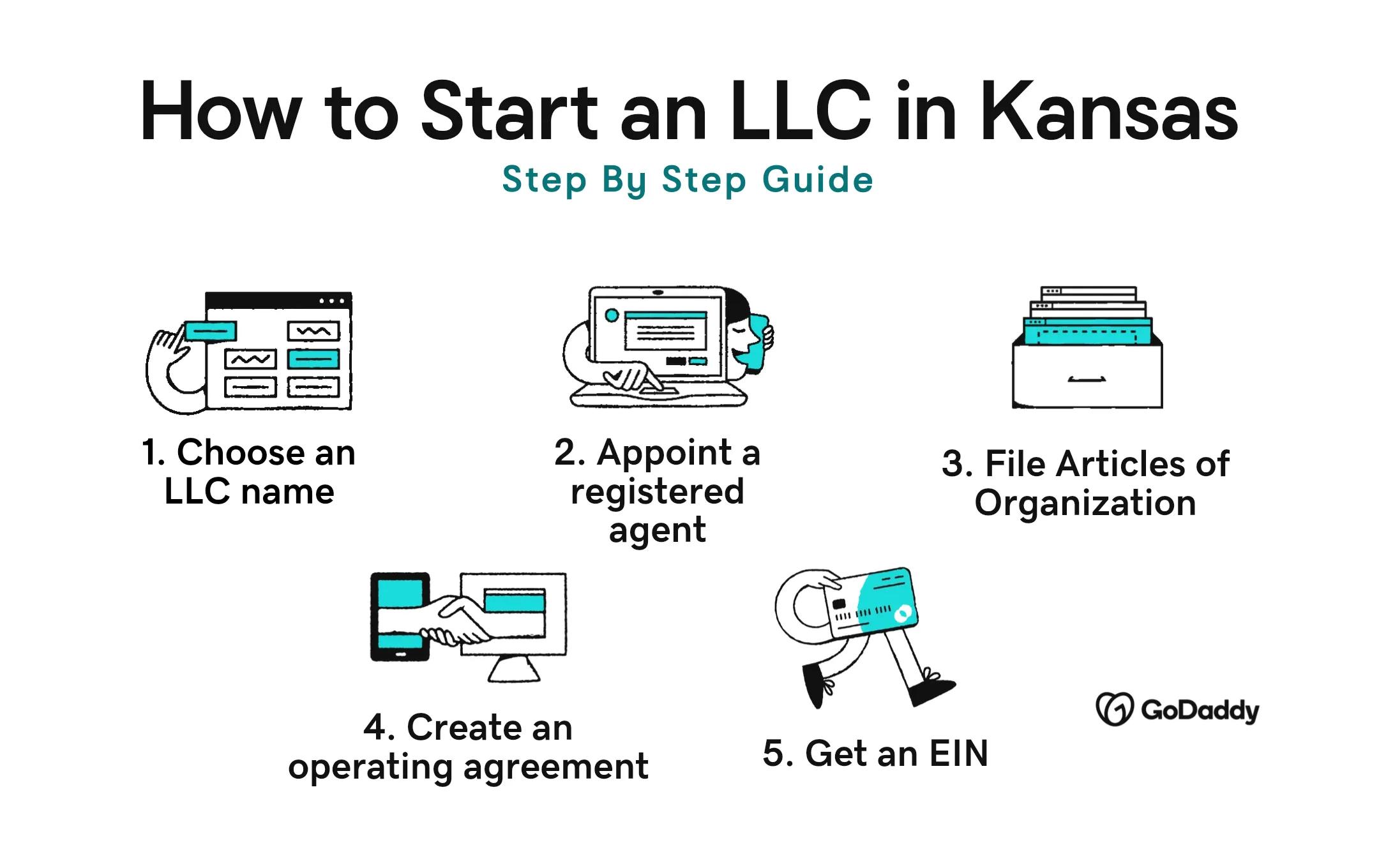
To start an LLC in Kansas, you need to choose a name, appoint a registered agent, file the Articles of Organization with the Kansas Secretary of State, create an operating agreement, and get an EIN. It may sound complicated, but the process is straightforward and can often be completed in just a few business days when you file online through the Kansas Business One Stop portal.
If you’re brand-new to entrepreneurship, you may want to read this guide on how to start a business before delving into the details of registration. It can also be a good idea to learn the differences between an LLC organizer and an LLC member. When you’re ready to get your Kansas LLC off the ground, you can set up your LLC for free with GoDaddy.
The first task on your to-do list is to choose a name for your LLC. Your name is often the first impression customers get, so it should reflect your brand and be easy to remember. At the same time, it needs to meet Kansas state requirements. The Kansas Secretary of State requires that your LLC name:
Once you have a name in mind, search the Kansas Secretary of State’s business name availability database to make sure it’s an option. If you’re not ready to register your LLC yet, you can reserve the name for up to 120 days by submitting a name reservation application through the Business One Stop portal for $30.
After choosing your Kansas LLC name, secure the matching domain as soon as possible. A professional web address helps customers find you, strengthens your credibility, and protects your brand online. Even if you are not launching a website right away, claiming your domain early keeps your options open. You can search for and get a domain name with GoDaddy in just a few steps.
A DBA, or “Doing Business As,” allows your Kansas LLC to operate under a different name than its legal name. In Kansas, DBAs are commonly referred to as trade names. For example, “Sunflower State Services LLC” might do business as “Sunflower Home Repair.”
Kansas does not have a statewide DBA registration system. Instead, trade names are generally registered at the county level, and requirements can vary depending on where you do business. Learn more about what is a DBA and how it can benefit your LLC in this article.
Every Kansas LLC must designate a registered agent to receive legal notices and official correspondence on behalf of the business. This role is essential for staying compliant and making sure you don’t miss important documents from the Kansas Secretary of State or the courts.
Your registered agent must:
You can appoint an individual who meets these requirements, including yourself, another member of the LLC, or a trusted contact. Many business owners choose a professional registered agent service to add a layer of privacy and reliability.
To officially form your LLC in Kansas, you must file Articles of Organization with the Kansas Secretary of State. You can submit your filing online through the Secretary of State website or by mail. You will need to provide:
The filing fee is $160 online and $165 by mail. Once your Articles of Organization are approved, your Kansas LLC is recognized by the state.
What is an operating agreement? An operating agreement outlines how your LLC will run, strengthens your limited liability protection, and helps prevent misunderstandings between members or managers. Even if you are forming a single-member LLC in Kansas, this document adds credibility and reinforces the separation between you and your business.
Kansas does not require LLCs to keep an operating agreement on file, but some banks and lenders may ask to see it before allowing you to open a business bank account or apply for financing.
Your operating agreement should clearly define:
An Employer Identification Number (EIN) is a federal tax ID issued by the IRS. Your Kansas LLC will need an EIN to:
You can get an EIN through the IRS website. Unsure what tax IDs your LLC needs? Compare TIN vs EIN.
If you apply online, you will typically receive your EIN immediately after completing the application. If you submit your request by mail or fax, processing can take several weeks.
Applying for an EIN is completely free. The IRS does not charge an application fee, and there are no renewal or maintenance costs.
Kansas offers multiple types of LLCs to fit different business needs, including:
Forming and maintaining a Kansas LLC is generally affordable, but your total cost will depend on how you file and how your business operates. Here’s what you can expect to pay:
In most cases, you can expect to spend between $215 and $400 in your first year. This doesn’t include taxes, licenses, or operational expenses.
Forming your Kansas limited liability company is a major step, but there are a few more important tasks to complete to protect your liability status and keep your business in good standing.
Opening a separate bank account for your Kansas LLC helps keep personal and business finances distinct. This separation supports your liability protection, makes bookkeeping easier, and strengthens your credibility with banks and customers.
To open a business bank account, you’ll typically need:
Kansas does not require a general statewide business license, but your LLC may need specific licenses or permits depending on your industry and location. To determine what applies to your business:
Requirements can vary between cities like Wichita, Topeka, and Kansas City, so confirm the rules in your specific area.
Once your Kansas LLC is up and running, you’ll need to regularly update the state on your business’s key details by filing a biennial Information Report with the Kansas Secretary of State. This requirement helps the state confirm your LLC’s contact information, registered agent, and member or manager details.
Missing the deadline can lead to delinquency and potential forfeiture of your LLC’s good standing.
Once your Kansas LLC is officially formed, staying compliant becomes part of running your business. Understanding how taxes work and how to maintain good standing with the state will help you protect your liability status and avoid unnecessary setbacks.
Kansas does not have separate state-level taxes for LLCs, but your business may still have tax obligations depending on its structure and activities.
To prepare for tax season, read our guide on tax write-offs and deductions for your LLC.
A Certificate of Good Standing verifies that your LLC is active and compliant with state requirements. You may need this document when:
You can request a Certificate of Good Standing through the Kansas Secretary of State’s office for $10.
Forming an LLC in Kansas makes sense for many entrepreneurs, especially if:
Ready to get your Kansas venture off the ground? Register your LLC for free with GoDaddy!
Our trusted experts who know LLC formation inside out will give you step-by-step guidance through the process.
Get free LLC setup
If you file your Articles of Organization online through the Kansas Secretary of State, setup can often be completed in a few business days. Mail filings typically take longer. Once approved, your LLC is officially formed and ready to operate.
A Kansas LLC offers personal liability protection, flexible management, and pass-through taxation by default. It also adds credibility to your business and allows you to choose how you want to be taxed at the federal level. For many small business owners, it provides a balance of simplicity and protection.
You don’t have to renew an LLC in Kansas. However, every LLC must file a biennial Information Report every two years. The report is due by April 15 of the applicable filing year, based on when your LLC was formed.
The post How to start an LLC in Kansas in 2026 appeared first on GoDaddy Blog.
Continue reading...
This guide breaks down how to start an LLC in Kansas step by step. You’ll learn what costs to expect as well as how to choose a name that meets state requirements, file your formation documents, and set up your business for long-term success.
LLC Registration
Our trusted experts who know LLC formation inside out will give you step-by-step guidance through the process.
Get free LLC setup
How to start an LLC in Kansas in 5 steps
To start an LLC in Kansas, you need to choose a name, appoint a registered agent, file the Articles of Organization with the Kansas Secretary of State, create an operating agreement, and get an EIN. It may sound complicated, but the process is straightforward and can often be completed in just a few business days when you file online through the Kansas Business One Stop portal.
If you’re brand-new to entrepreneurship, you may want to read this guide on how to start a business before delving into the details of registration. It can also be a good idea to learn the differences between an LLC organizer and an LLC member. When you’re ready to get your Kansas LLC off the ground, you can set up your LLC for free with GoDaddy.
1. Choose a name for your LLC
The first task on your to-do list is to choose a name for your LLC. Your name is often the first impression customers get, so it should reflect your brand and be easy to remember. At the same time, it needs to meet Kansas state requirements. The Kansas Secretary of State requires that your LLC name:
- Includes “Limited Liability Company” or an abbreviation like “LLC,” “L.L.C.,” “LC,” or “L.C.”
- Is distinguishable from other business names already registered in Kansas
- Does not imply your business is a government agency
- Avoids restricted words such as “bank,” “trust,” or “insurance” unless you have proper approval
Once you have a name in mind, search the Kansas Secretary of State’s business name availability database to make sure it’s an option. If you’re not ready to register your LLC yet, you can reserve the name for up to 120 days by submitting a name reservation application through the Business One Stop portal for $30.
Get your business domain name
After choosing your Kansas LLC name, secure the matching domain as soon as possible. A professional web address helps customers find you, strengthens your credibility, and protects your brand online. Even if you are not launching a website right away, claiming your domain early keeps your options open. You can search for and get a domain name with GoDaddy in just a few steps.
Get a DBA
A DBA, or “Doing Business As,” allows your Kansas LLC to operate under a different name than its legal name. In Kansas, DBAs are commonly referred to as trade names. For example, “Sunflower State Services LLC” might do business as “Sunflower Home Repair.”
Kansas does not have a statewide DBA registration system. Instead, trade names are generally registered at the county level, and requirements can vary depending on where you do business. Learn more about what is a DBA and how it can benefit your LLC in this article.
2. Appoint a registered agent
Every Kansas LLC must designate a registered agent to receive legal notices and official correspondence on behalf of the business. This role is essential for staying compliant and making sure you don’t miss important documents from the Kansas Secretary of State or the courts.
Your registered agent must:
- Have a physical street address in Kansas (P.O. boxes are not allowed)
- Be available during normal business hours
You can appoint an individual who meets these requirements, including yourself, another member of the LLC, or a trusted contact. Many business owners choose a professional registered agent service to add a layer of privacy and reliability.
3. File Articles of Organization
To officially form your LLC in Kansas, you must file Articles of Organization with the Kansas Secretary of State. You can submit your filing online through the Secretary of State website or by mail. You will need to provide:
- Your LLC’s name
- The registered agent’s name and Kansas street address
The filing fee is $160 online and $165 by mail. Once your Articles of Organization are approved, your Kansas LLC is recognized by the state.
4. Create an operating agreement
What is an operating agreement? An operating agreement outlines how your LLC will run, strengthens your limited liability protection, and helps prevent misunderstandings between members or managers. Even if you are forming a single-member LLC in Kansas, this document adds credibility and reinforces the separation between you and your business.
Kansas does not require LLCs to keep an operating agreement on file, but some banks and lenders may ask to see it before allowing you to open a business bank account or apply for financing.
Your operating agreement should clearly define:
- The roles and responsibilities of members and managers
- Ownership percentages
- How profits and losses will be distributed
- Voting rights and decision-making procedures
- The process for adding or removing members
- Meeting and recordkeeping expectations
- Dissolution terms if the LLC closes
5. Get an EIN
An Employer Identification Number (EIN) is a federal tax ID issued by the IRS. Your Kansas LLC will need an EIN to:
- File federal and state taxes
- Hire employees
- Open a business bank account
- Apply for certain licenses or permits
You can get an EIN through the IRS website. Unsure what tax IDs your LLC needs? Compare TIN vs EIN.
How long does it take to get an EIN?
If you apply online, you will typically receive your EIN immediately after completing the application. If you submit your request by mail or fax, processing can take several weeks.
How much does an EIN cost?
Applying for an EIN is completely free. The IRS does not charge an application fee, and there are no renewal or maintenance costs.
Types of LLCs available in Kansas
Kansas offers multiple types of LLCs to fit different business needs, including:
- General LLC: The standard option for most businesses. Offers liability protection and flexible management.
- Series LLC: Allows one parent LLC to create a separate “series” with its own assets and liabilities. Useful for real estate or multiple ventures.
- Public Benefit LLC: Formed to pursue a specific public benefit alongside profit. Balances mission and revenue.
- Professional LLC (PLLC): For licensed professionals such as attorneys, doctors, or accountants.
How much does it cost to start and run an LLC in Kansas
Forming and maintaining a Kansas LLC is generally affordable, but your total cost will depend on how you file and how your business operates. Here’s what you can expect to pay:
- Articles of Organization: $160 if filed online, $165 if filed by mail
- Name reservation (optional): $30 to reserve a name for 120 days
- DBA (optional): Varies by county
- Registered agent service (if applicable): Typically $50–$150 per year
- Biennial report fee: $55 online or $60 by mail
- Business licenses and permits: Vary by industry and city
- Taxes: Kansas LLCs do not pay a separate state-level LLC tax, but they are subject to federal income tax and may owe state income tax, sales tax, or employer taxes depending on their activities
In most cases, you can expect to spend between $215 and $400 in your first year. This doesn’t include taxes, licenses, or operational expenses.
What happens after your LLC is up and running
Forming your Kansas limited liability company is a major step, but there are a few more important tasks to complete to protect your liability status and keep your business in good standing.
Open a business bank account
Opening a separate bank account for your Kansas LLC helps keep personal and business finances distinct. This separation supports your liability protection, makes bookkeeping easier, and strengthens your credibility with banks and customers.
To open a business bank account, you’ll typically need:
- Your business address
- A copy of your Articles of Organization
- Your EIN
- Your operating agreement
- A valid photo ID for each account holder
- An initial deposit
File for permits and required business licenses
Kansas does not require a general statewide business license, but your LLC may need specific licenses or permits depending on your industry and location. To determine what applies to your business:
- Check the Kansas Business One Stop portal for state-level requirements
- Contact your city or county clerk’s office for local licensing rules
- Review federal requirements if your business operates in regulated industries such as food service, health care, or transportation
Requirements can vary between cities like Wichita, Topeka, and Kansas City, so confirm the rules in your specific area.
File a biennial report (Information Report)
Once your Kansas LLC is up and running, you’ll need to regularly update the state on your business’s key details by filing a biennial Information Report with the Kansas Secretary of State. This requirement helps the state confirm your LLC’s contact information, registered agent, and member or manager details.
- Frequency: Every two years (biennially)
- When it’s due: By April 15 of the year your LLC must file, based on the year it was formed (even-year filers in even years; odd-year filers in odd years)
- How to file: Online through the Kansas Business One Stop portal or via paper form to the Secretary of State.
- Cost: $90 online, $110 by mail
Missing the deadline can lead to delinquency and potential forfeiture of your LLC’s good standing.
Other things to consider for your Kansas LLC
Once your Kansas LLC is officially formed, staying compliant becomes part of running your business. Understanding how taxes work and how to maintain good standing with the state will help you protect your liability status and avoid unnecessary setbacks.
Filing taxes for a Kansas LLC
Kansas does not have separate state-level taxes for LLCs, but your business may still have tax obligations depending on its structure and activities.
- Federal income tax: Single-member LLCs are typically taxed as sole proprietorships, while multi-member LLCs are taxed as partnerships unless you elect corporate taxation.
- Kansas state income tax: LLC income generally passes through to members, who report it on their individual Kansas tax returns.
- Sales tax: If you sell taxable goods or services, you must register with the Kansas Department of Revenue and collect applicable state and local sales tax.
- Employer taxes: If you hire employees, you will need to register for state withholding tax and unemployment insurance.
To prepare for tax season, read our guide on tax write-offs and deductions for your LLC.
Get a Certificate of Good Standing
A Certificate of Good Standing verifies that your LLC is active and compliant with state requirements. You may need this document when:
- Opening a business bank account
- Applying for financing
- Registering your LLC in another state
- Entering into contracts with investors or partners
You can request a Certificate of Good Standing through the Kansas Secretary of State’s office for $10.
When it’s a good idea to start an LLC in Kansas
Forming an LLC in Kansas makes sense for many entrepreneurs, especially if:
- You are starting a new business with liability exposure. An LLC helps protect your personal assets if your business faces lawsuits or debt.
- You want to separate personal and business finances. Creating an LLC establishes your business as a distinct legal entity.
- You want to build credibility. Adding “LLC” to your name can strengthen trust with customers, vendors, and lenders.
- You want tax flexibility. LLCs offer pass-through taxation by default, with the option to elect corporate tax treatment.
- You plan to grow or add partners. An LLC structure makes it easier to bring on members and formalize ownership.
Ready to get your Kansas venture off the ground? Register your LLC for free with GoDaddy!
LLC Registration
Our trusted experts who know LLC formation inside out will give you step-by-step guidance through the process.
Get free LLC setup
FAQ
How long does it take to set up an LLC in Kansas?
If you file your Articles of Organization online through the Kansas Secretary of State, setup can often be completed in a few business days. Mail filings typically take longer. Once approved, your LLC is officially formed and ready to operate.
What are the benefits of an LLC in Kansas?
A Kansas LLC offers personal liability protection, flexible management, and pass-through taxation by default. It also adds credibility to your business and allows you to choose how you want to be taxed at the federal level. For many small business owners, it provides a balance of simplicity and protection.
How often do you have to renew your LLC in Kansas?
You don’t have to renew an LLC in Kansas. However, every LLC must file a biennial Information Report every two years. The report is due by April 15 of the applicable filing year, based on when your LLC was formed.
The post How to start an LLC in Kansas in 2026 appeared first on GoDaddy Blog.
Continue reading...

